Building Consistent Document Templates
How to create reusable document templates that maintain brand consistency across your organization.
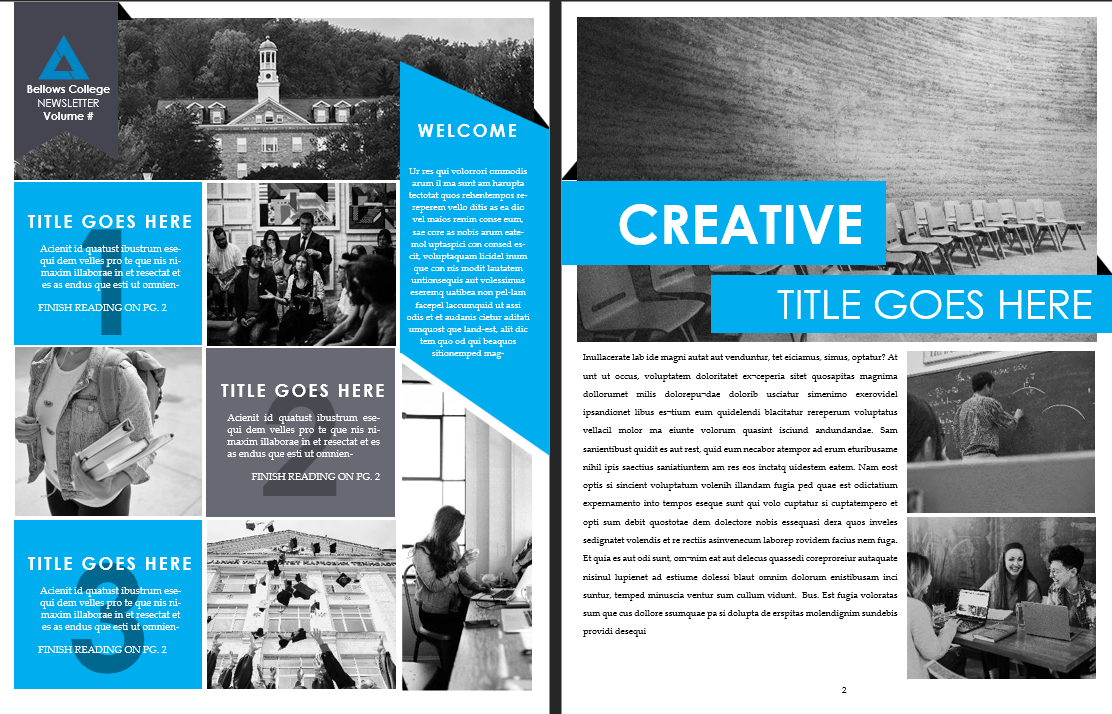
Consistent document templates save time and reinforce brand identity. Learn the best practices for creating and managing templates.
Define Brand Guidelines - Establish clear guidelines for colors, fonts, logos, and layout. Create a brand style guide that all templates must follow.
Modular Design - Build templates from reusable components. Separate headers, footers, and content sections to allow for easy customization and updates.
Style Consistency - Use consistent styles for headings, body text, captions, and other elements. This ensures a professional appearance across all documents.
Version Control - Implement a version control system for templates. Track changes, maintain backups, and ensure everyone uses the latest approved versions.
User-Friendly Design - Create templates that are easy to use. Include placeholder text, sample content, and clear instructions to guide users.
Accessibility Considerations - Design templates with accessibility in mind. Use sufficient color contrast, readable fonts, and proper heading structure.
Cross-Platform Compatibility - Ensure templates work across different devices and software versions. Test templates on various operating systems and applications.
Regular Updates - Review and update templates regularly to reflect current branding and best practices. Remove outdated templates and archive old versions.
Training and Documentation - Provide training and documentation for template users. Create guides that explain how to use templates effectively and consistently.