Creating Fillable PDF Forms: A Complete Guide
Step-by-step instructions for designing and implementing interactive fillable PDF forms.
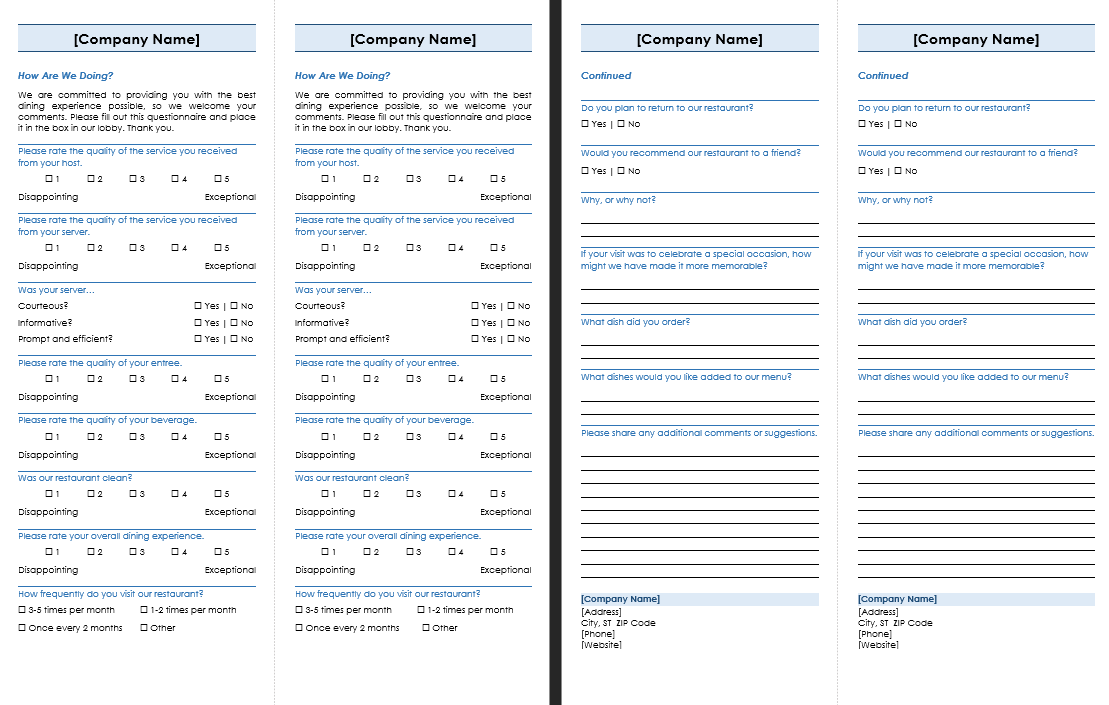
Fillable PDF forms are powerful tools for data collection and automation. This comprehensive guide walks you through the entire process of creating professional fillable forms.
Step 1: Plan Your Form - Start by mapping out what information you need to collect. Consider the user experience and make the form intuitive to fill out.
Step 2: Choose Your Tool - Adobe Acrobat Pro DC is the industry standard, but there are alternatives like PDFelement and Nitro PDF. Choose based on your needs and budget.
Step 3: Create the Layout - Design your form layout with clear labels and logical flow. Use consistent spacing and alignment. A well-designed form improves completion rates.
Step 4: Add Form Fields - Insert the appropriate form fields: text boxes, checkboxes, radio buttons, dropdown lists, and signature areas. Each field type has its purpose.
Step 5: Configure Properties - Set field properties including tooltips, default values, and validation rules to ensure data accuracy. This reduces errors and improves data quality.
Step 6: Test Thoroughly - Test your form extensively. Fill it out yourself and have others test it to identify any issues. Different users might reveal different problems.
Step 7: Distribute - Share your form via email, web, or document management systems. Ensure recipients have a compatible PDF reader. Consider mobile compatibility.
Step 8: Collect Responses - Set up a system for collecting and organizing form submissions. Consider automated workflow options to streamline the process.
Step 9: Maintain - Update your form as needed based on feedback and changing requirements. Keep backups of the original form and version history.