10 Tips for Professional Document Formatting
Learn the essential techniques for creating polished, professional documents that make a lasting impression.
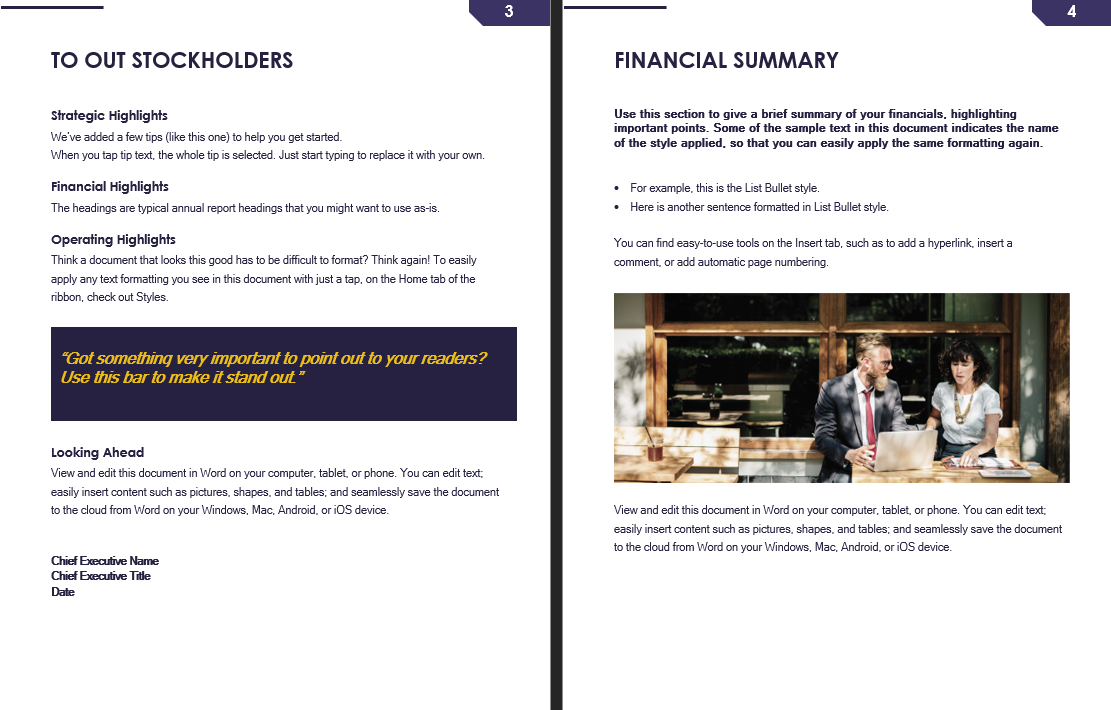
Professional document formatting is an art that combines technical skills with attention to detail. In this post, I'll share my top 10 tips for creating documents that stand out.
Tip 1: Consistent Typography - Choose two fonts at most: one for headings and one for body text. Stick to your choice throughout the document. Popular font pairings include Arial with Georgia, or Calibri with Cambria.
Tip 2: Proper Spacing - Use consistent line spacing (1.15-1.5 for body text) and paragraph spacing. Avoid squeezing text together. Good spacing improves readability significantly.
Tip 3: Visual Hierarchy - Use different font sizes, weights, and colors to create clear hierarchy. Headings should be larger and bolder than body text. This guides readers through your content.
Tip 4: White Space - Don't fear empty space. White space makes your document easier to read and more visually appealing. It prevents visual clutter and helps focus attention.
Tip 5: Alignment - Be consistent with your alignment. Left-aligned text is generally easier to read than justified text. Justified text can create awkward gaps between words.
Tip 6: Quality Images - Use high-resolution images that are relevant to your content. Avoid pixelated or distorted visuals. Images should enhance, not distract from, your message.
Tip 7: Color Scheme - Limit your color palette to 2-3 complementary colors. Use colors purposefully to highlight important information and create visual interest.
Tip 8: Consistent Styling - Use styles in your word processor to maintain consistency. Apply the same styles to similar elements throughout the document.
Tip 9: Clear Structure - Organize content logically with clear headings, subheadings, and bullet points. Make it easy to scan and find information quickly.
Tip 10: Proofread - Always proofread your final document. Check for spelling, grammar, and formatting inconsistencies. Consider having someone else review it as well.